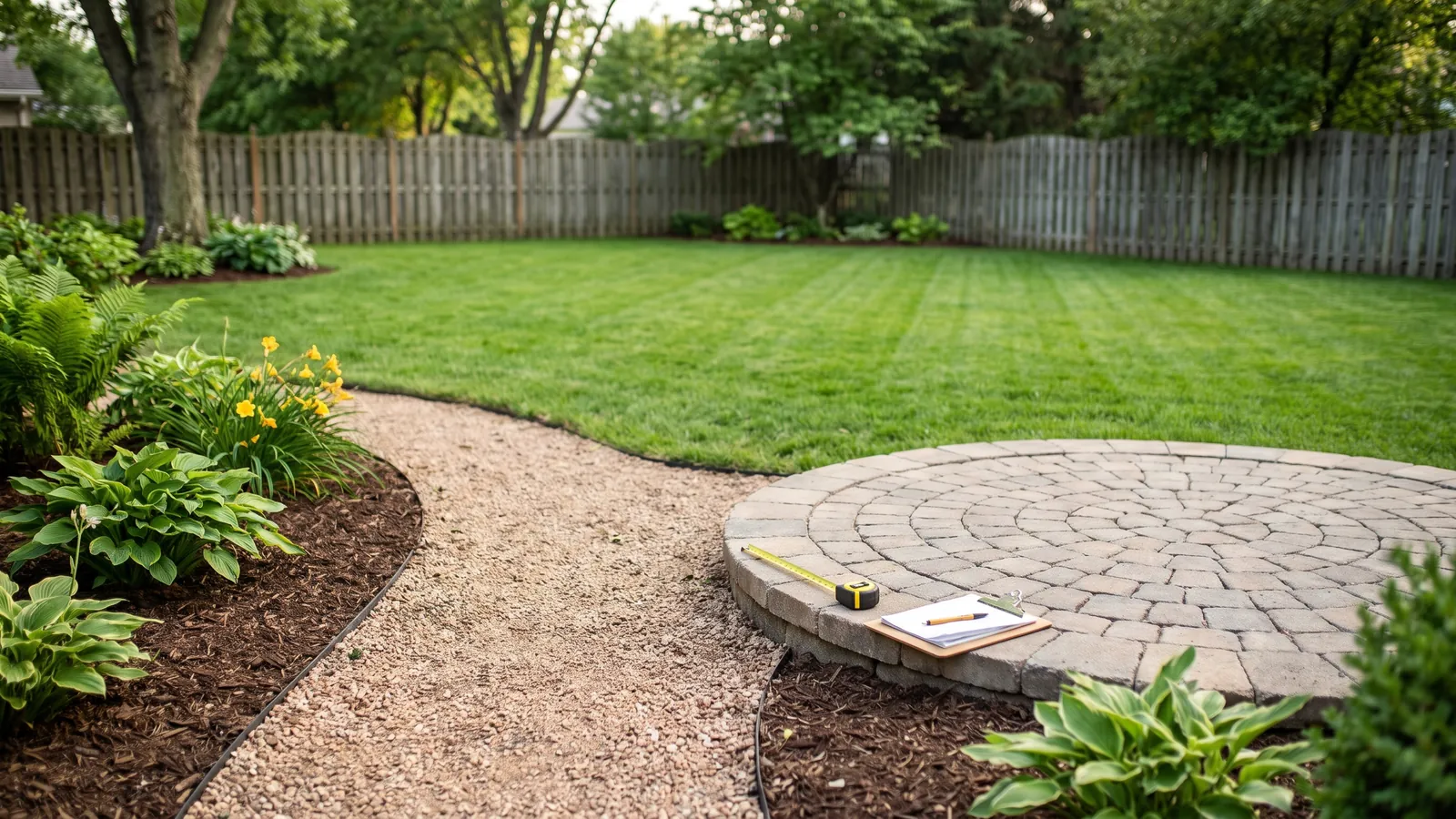
Free calculators for land, yard, patio and pool projects: backyard with lawn, gravel path, mulch beds and paver patio

Landscape calculators that tell you exactly how much to buy before you start

A free landscape calculator for every project: land, gravel, mulch, soil, lawns, patios, fences, decks, driveways and pools. Enter your measurements once and get tons, yards, bags or gallons, a shopping list and a PDF report.

100% freeNo signupSourced numbersPDF reports

Choose a landscape calculator by project

Land & acreage

Acres, lot size, square footage and volume: measure the ground before you plan anything on it.

6 land & acreage calculators

Gravel, stone & sand

Tons and yards of gravel, pea gravel, river rock, crushed stone and sand.

6 gravel, stone & sand calculators

Mulch & ground cover

Bags or yards of wood mulch and rubber mulch, at the right depth.

2 mulch & ground cover calculators

Soil & garden beds

Soil, topsoil, fill dirt, compost and raised beds, plus how many plants fit.

6 soil & garden beds calculators

Lawn

Sod, grass seed and fertilizer: quantities for a new or existing lawn.

3 lawn calculators

Patios, pavers & walls

Pavers, flagstone, base, sand, concrete and retaining wall blocks.

7 patios, pavers & walls calculators

Fences & decks

Posts, pickets, rails, concrete and deck boards for outdoor wood structures.

2 fences & decks calculators

Driveways

Gravel layers and road base for a driveway that carries cars.

2 driveways calculators

Pools & ponds

Gallons in any pool or pond, the number every chemical dose and pump size starts from.

2 pools & ponds calculators
The math

How our landscape calculators work

Every landscaping material is planned by area or by volume. Area is length × width in square feet; volume is the area × the depth in feet, divided by 27 for cubic yards. A 10 × 12 ft bed with 3 inches of mulch is 120 × 0.25 ÷ 27 = 1.1 cubic yards.

Stone, sand and soil are then sold by weight, so each calculator multiplies the cubic yards by a sourced weight per yard: about 1.4 tons for crushed stone and 1.35 tons for dry sand or topsoil. Sod is counted in square feet per pallet, grass seed in pounds per 1,000 sq ft, pavers per square foot, and pools in gallons.

The numbers behind the defaults come from university extension services, the ICPI for pavers, the CPSC for playgrounds, the American Wood Council for decks, NIST for units and manufacturers' data sheets. Each page names its sources, and you can replace any default with your supplier's figure.

For homeowners and landscaping contractors

Homeowners use a landscape calculator to order the right amount the first time. Landscaping contractors use them for quick takeoffs: add the client's name and download the PDF report to attach to a quote.
How it works

Your estimate in 3 steps

No account, no guesswork. Numbers you can take to the store, hand to your supplier or attach to a quote.

Measure

Type length × width, or use the area and acreage calculators for circles, triangles and odd-shaped land.

Pick your options

Depth, stone, board size, pool shape: each calculator suggests the usual choices, with the source behind them.

Get your shopping list

Tons, yards, bags, boards or gallons, the cheapest way to buy, and a PDF report of the estimate.

Material guide

Know your materials before you buy

Coverage and weight at a glance, so you order the right thing.

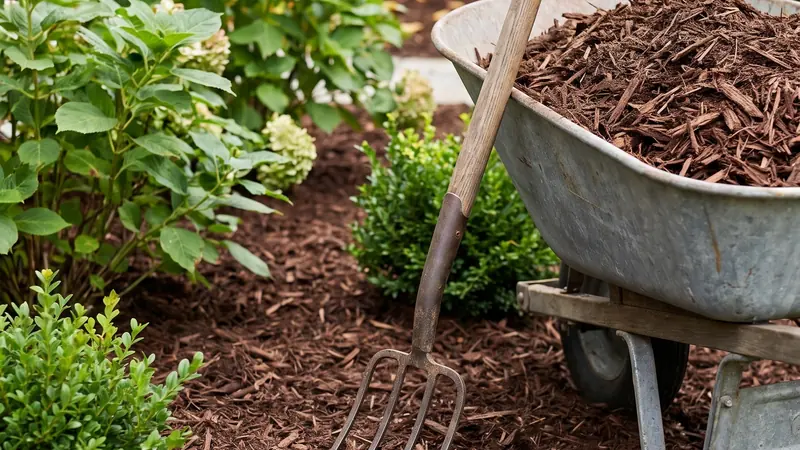
Mulch calculator: fresh brown mulch spread around shrubs

Mulch

Best for
Garden beds, tree rings, paths
Typical depth
2–4 inches
1 yard covers
~108 sq ft at 3 in
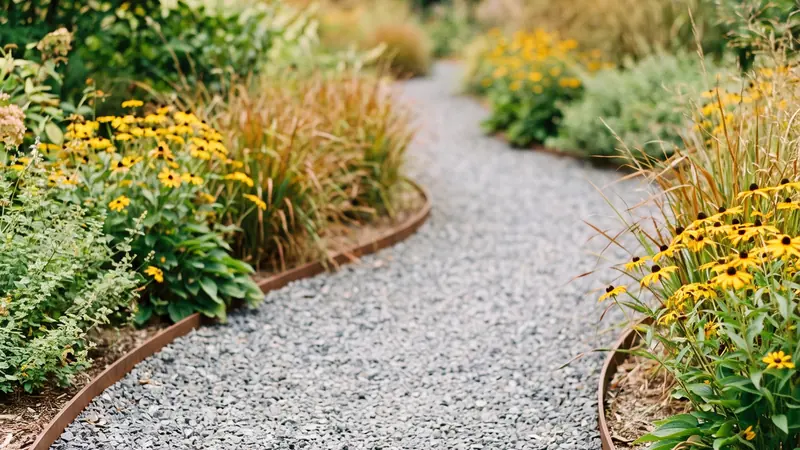
Gravel calculator: crushed gravel garden path with steel edging

Gravel

Best for
Driveways, paths, drainage
Typical depth
2–6 inches
1 yard weighs
~1.35–1.7 tons
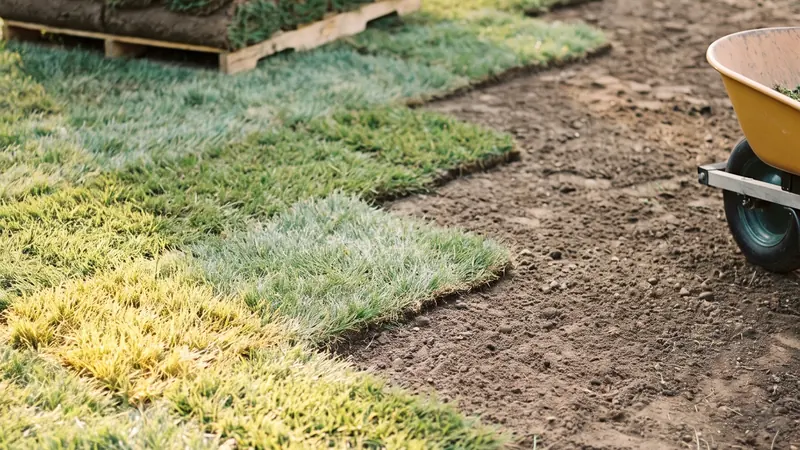
Sod calculator: rolls of sod laid in staggered rows

Sod

Best for
New lawns, patching, slopes
Sold as
Pallets (~450 sq ft)
Waste factor
Add 5–20% for cuts
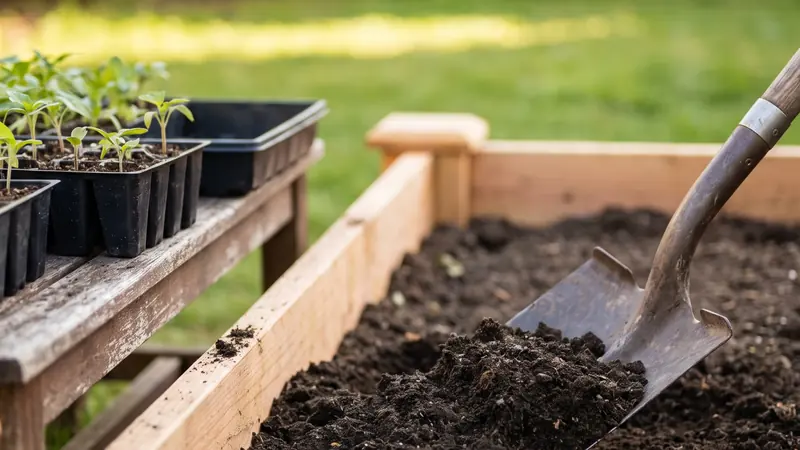
Soil calculator: garden soil shoveled into a new garden bed

Soil

Best for
Raised beds, planters
Typical depth
8–12+ inches
1 bag covers
~4.5 sq ft at 4 in

Open the material calculators

Pro tips

Before you order

A few things the numbers alone won't tell you.

01

Bags vs. bulk

For mulch, soil and stone, bulk delivery usually wins once you need more than about 2 cubic yards. Each calculator shows which is cheaper.

02

Measure twice, order once

Walk the project with a tape measure. Odd shapes? Break them into simple ones with the square footage calculator.

03

Order extra for compaction

Gravel bases and fill shrink when compacted. The base and fill calculators add an allowance you can adjust.

04

Call before you dig

Fence posts, footings and trenches: call 811 first so buried utility lines are marked.

05

Sod has a shelf life

Lay sod the day it arrives in warm weather, and water each section right after laying it.

06

Know your pool's gallons

Every chemical dose on a label is per gallons. Work out your pool volume once and keep it.

FAQ

Common questions

Is the landscape calculator free?

Yes. Every Terrainity landscape calculator is free, works on any device, and needs no account or signup. The PDF report is free too.

Which landscape calculator should I start with?

Start with the measurement: the square footage calculator for a yard, bed or patio, or the acreage calculator for land. Then send the total to the material you are buying: mulch, gravel, soil, sod, pavers or concrete.

Can I download my results?

Yes. Every calculator has a “Download PDF report” button. The PDF holds only the estimate: your measurements, the result, the shopping list and how it was calculated, with an optional project or client name.

How accurate are the estimates?

The math is exact for the measurements you enter. Real-world results depend on how accurately you measure, how much a material settles or compacts, and your supplier's bag or pallet size, which you can edit in each calculator.

Where do the numbers come from?

Coverage rates, material weights, base depths and bag yields come from university extension services, industry institutes, government agencies and manufacturers' data sheets. Each calculator lists its sources, and our methods page explains the rest.

Can contractors use Terrainity?

Yes. Landscapers, fence and deck builders and pool pros use the calculators for quick takeoffs. Add the client or project name and download the PDF to attach it to a quote.

Start with your measurements

Measure your yard or land once, then send the total to any landscape calculator on Terrainity: mulch, gravel, soil, sod, pavers and more, with the cubic yards, tons or bags to buy.